

Epigraph AR
Epigraph AR can be implemented in a number of different configurations to suit your website's needs.
These guides will help you determine what documentation to start with.
Multiple Epigraph-AR InstancesEpigraph-AR is imported to your page as a web-component. Once it is downloaded, it can be used any number of times on a page. The library is imported via a script from the jsDelivr CDN and exports a web-component to the page.
This allows you to place
<epigraph-ar>components throughout your page any way that you need much like you might add a new<button>or<img>tag throughout your page.
Epigraph-AR as a button for viewing in AR
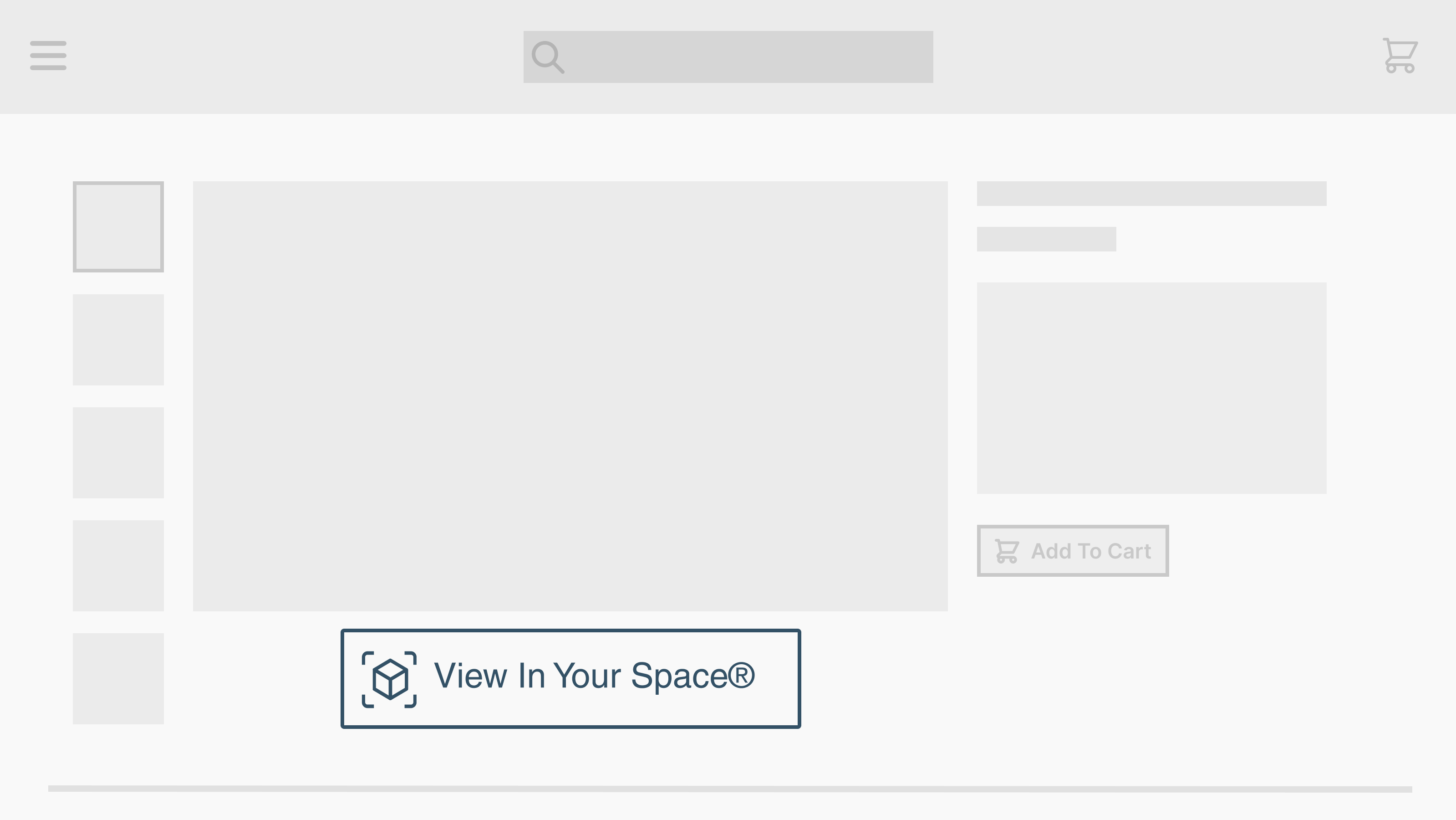
Implementing Epigraph-AR as a Button to view a 3D model in AR
This implementation can be used to add a button to your page allowing users to view AR models from their phone. If the user is on a desktop or device that doesn't support AR, it will display a QR code that they can scan and view the product in AR from a supported device.
Detailed Documentation on Epigraph-AR as a Button
AR Button/QR Modal
Or if you would like a quick start guide, check out the following recipe.
Epigraph-AR as a 3D Viewer
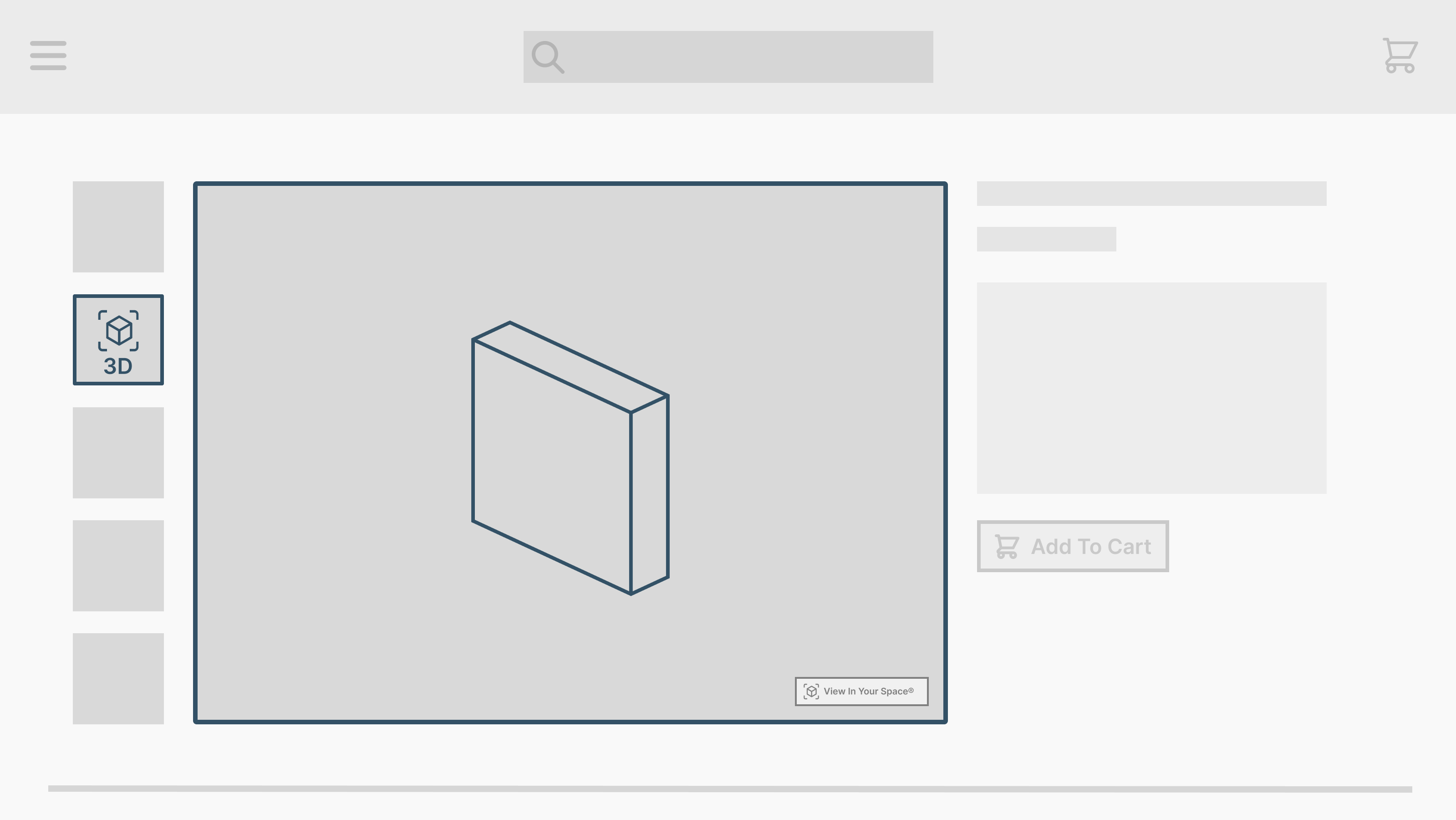
Implementing Epigraph-AR as a 3D Viewer
If you wish to display 3D Viewer on your page where users can interact with the 3D model on your PDP, you will find the following guides and recipes handy. Often, you will want to display the 3D Viewer in an image carousel/spinner/slideshow. Follow the "Epigraph-AR: Insert Epigraph AR Into a Slideshow" recipe if this is the case.
Detailed documentation on implementing Epigraph-AR as a 3D viewer on a PDP.
https://docs.myepigraph.com/docs/3d-viewer
Or if you would like a quick start guide, check out the following recipes:
Epigraph-AR as a Product Tour
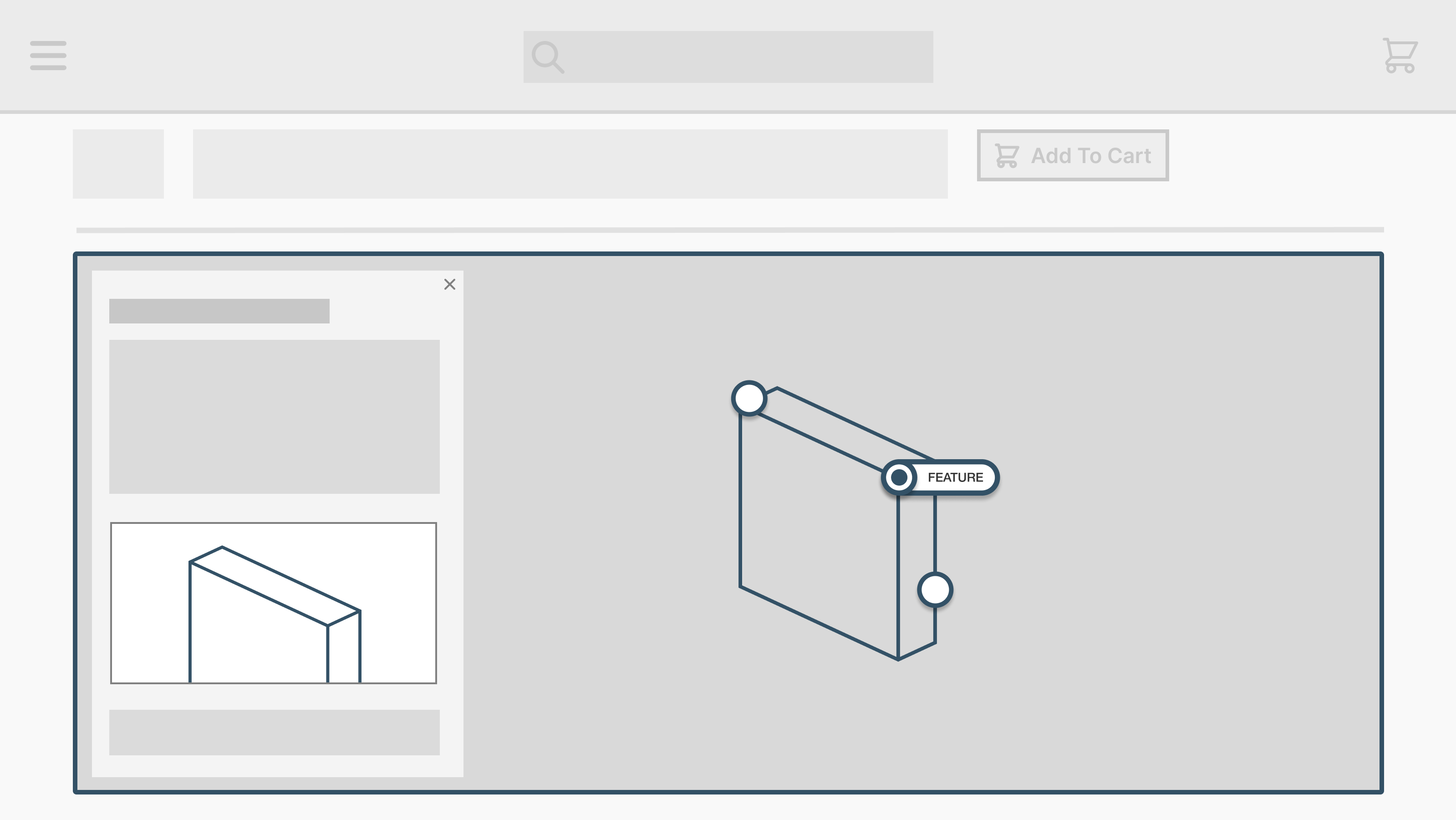
Implementing an Epigraph-AR Product Tour "Below the fold" of a PDP.
If your product was set up as a Product Tour, you can implement the Epigraph-AR in a way to show "Hotspots" of a product via the following links. This is often used to replace infographics "Below the fold" on a page.
Detailed documentation of implementing Epigraph-AR as a Product Tour.
https://docs.myepigraph.com/docs/product-tour
Or if you would like a quick start guide, check out this recipe:
Updated over 1 year ago